This section is only available for Advanced or Premium plans.
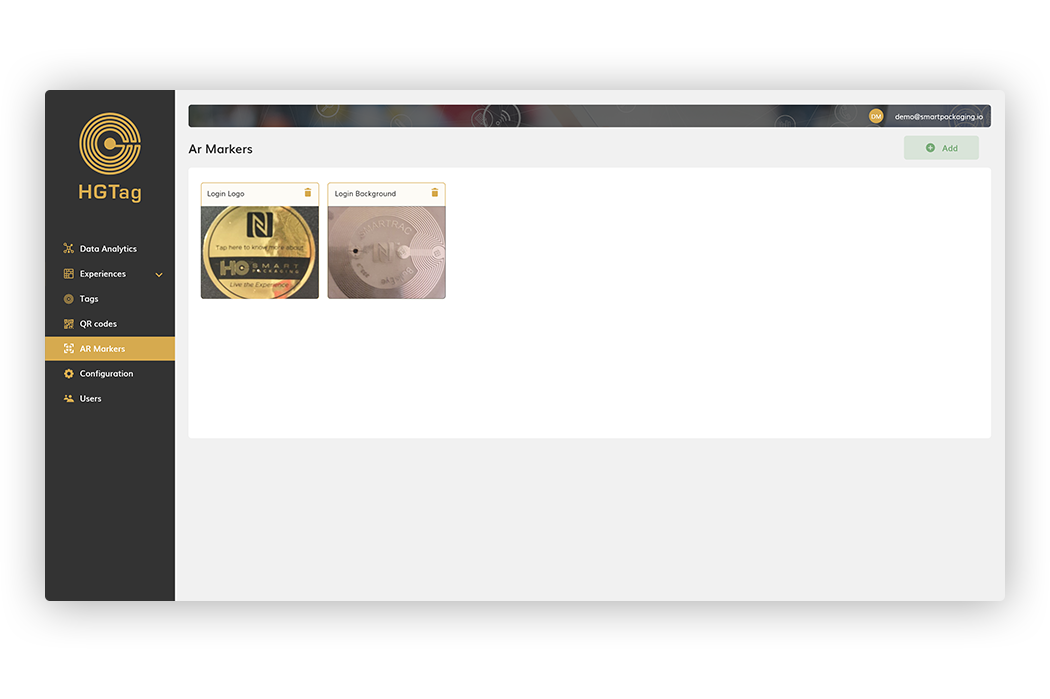
From this section you can upload images of the markers which launch, an Augmented Reality experience, when scanned via the HGTag app on your mobile.

This section is only available for Advanced or Premium plans.
From this section you can upload images of the markers which launch, an Augmented Reality experience, when scanned via the HGTag app on your mobile.
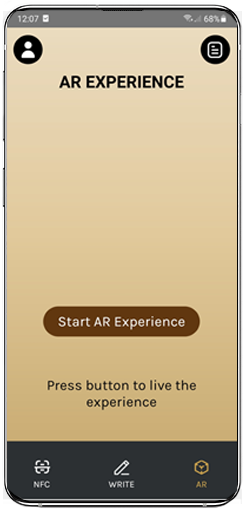
If you want to download the mobile app to visualize an AR experience, you need to search the Play Store or Apple Store for the HGTAG app. Once installed, you need to go to the AR tab and press the Start AR Experience button to view it:
If you have more questions you can access the different Tutorials available in this help, the Documentation or our FAQS.