
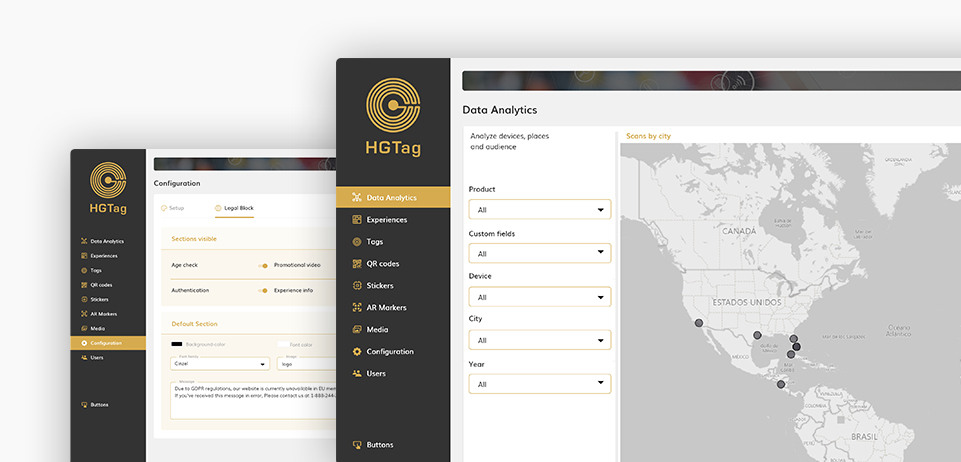
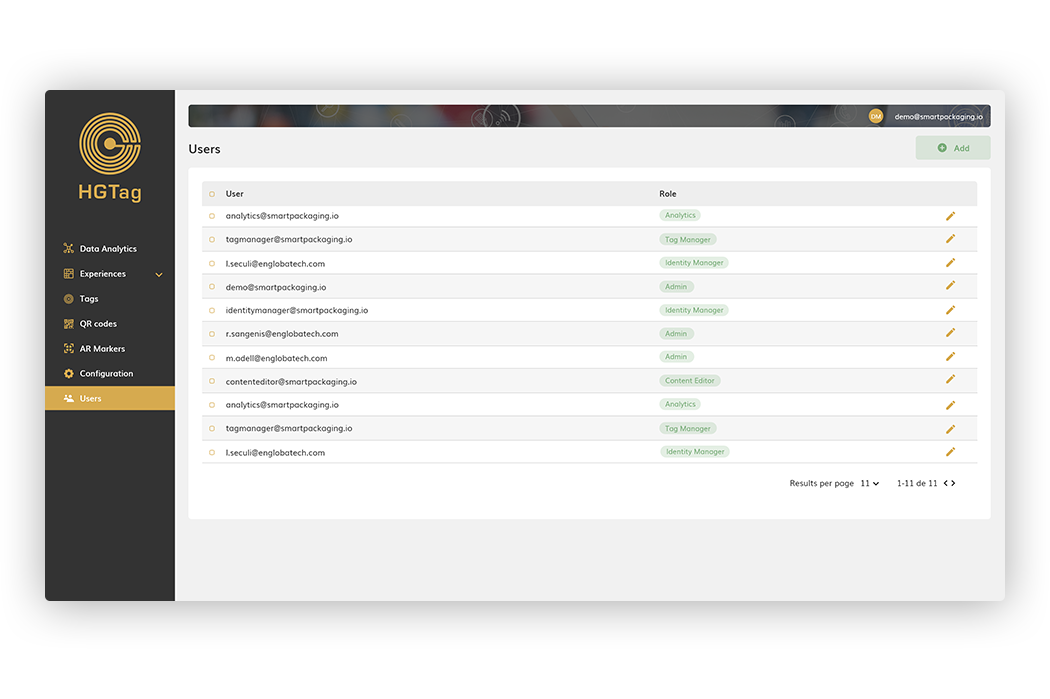
The Users section allows you to manage the platform users: shows/edit the existing users, add and delete new users.
Users
to Manage the platform users:
shows, edit, add and delete.
User creation
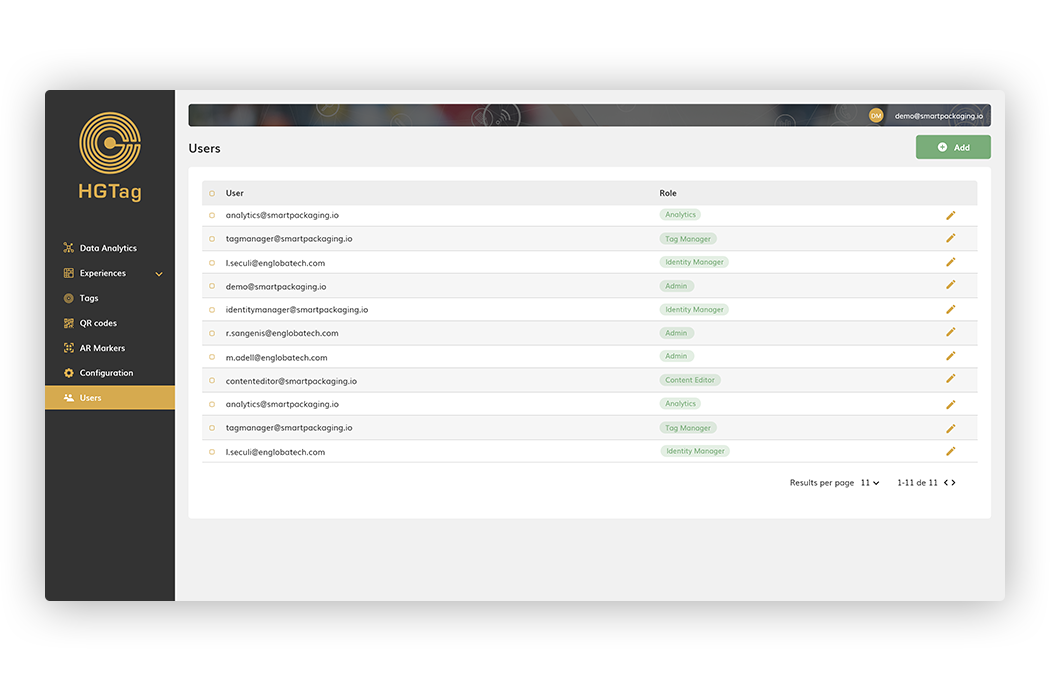
To register a new user, we will use the Add button:
The data to be indicated will be:
- User: A valid e-mail must be indicated.
- Role: indicate the role that the user will have to create. The existing ones are:
- Admin: Access to all the sections.
- Analytics: Access to the Data Analytics section.
- Identity manager: Access to the Users section.
- Content editor: access to the sections of: Experiences, Stickers, HTML Templates, Media Library and Configuration.
- Password: password to access the environment.
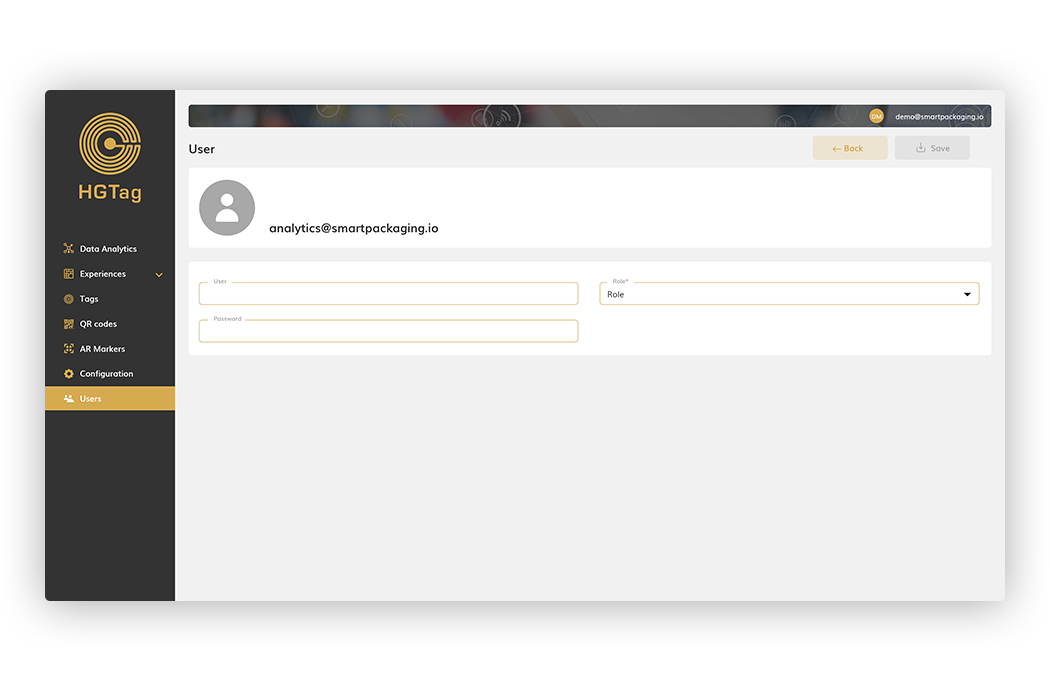
Once the data is indicated, we will press Save.
User edition
To modify a user, either change the role they have or modify the password, we will use the Edit button
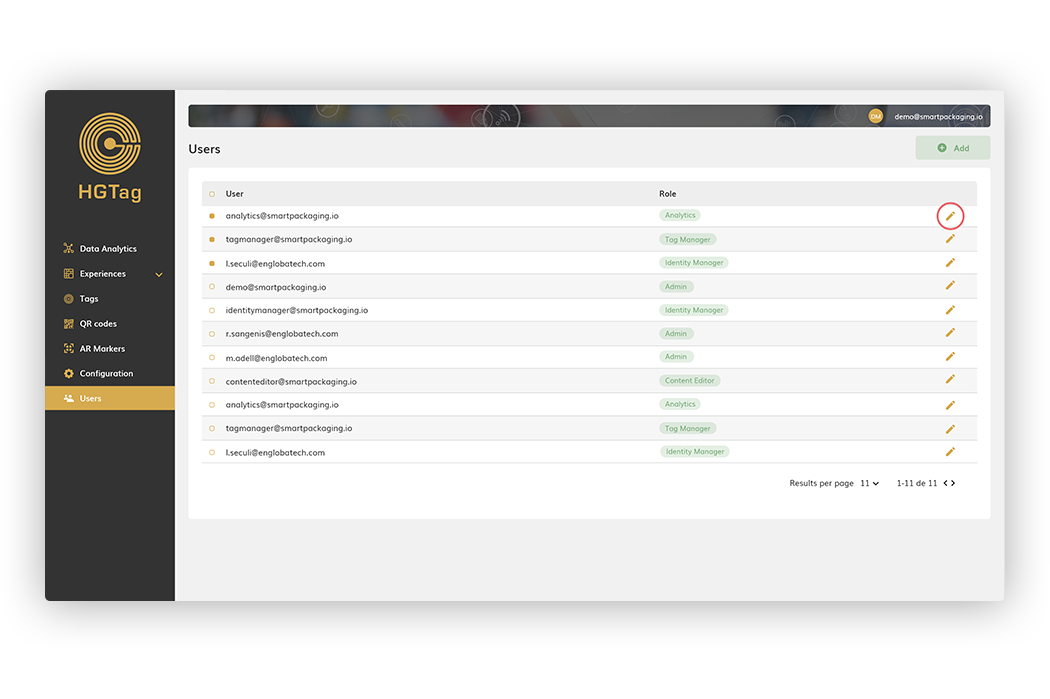
On the edit screen, we will modify the desired data and press the Save button.
User deletion
To delete one or more users it is enough to select them with the check field and press the Remove button:
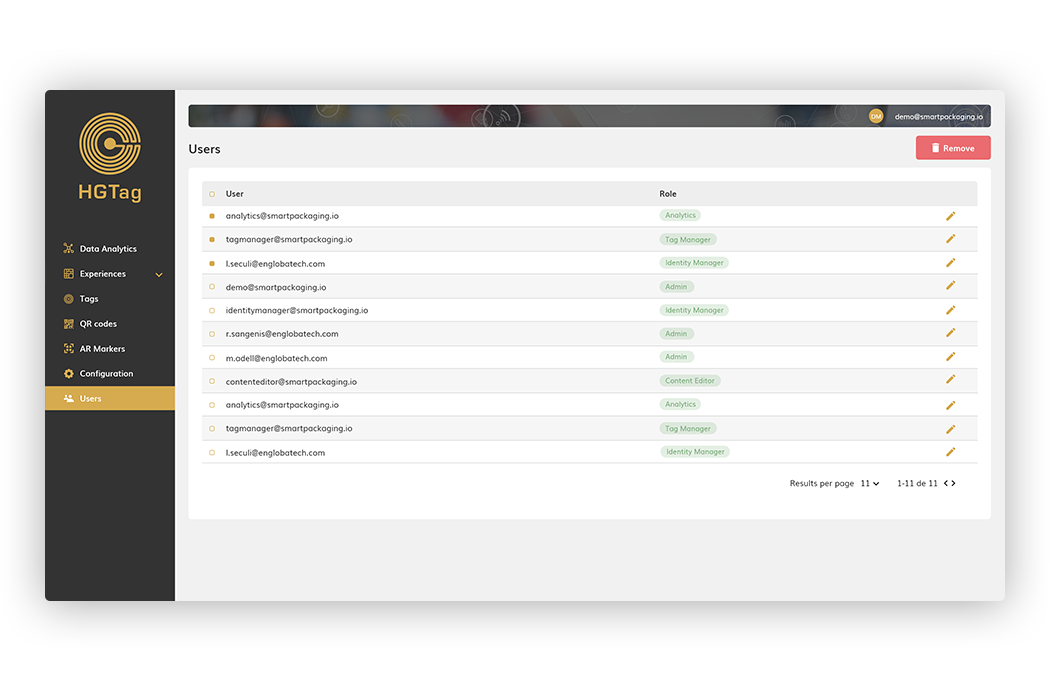
User Profile
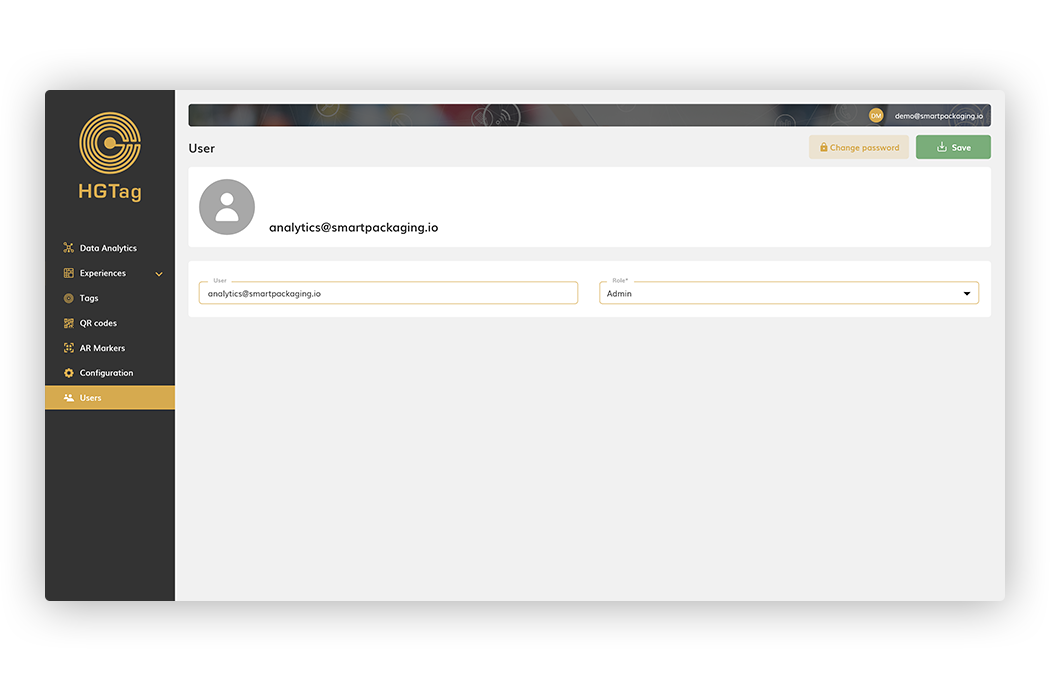
Any user can access their profile to be able to add/modify their avatar (image), modify the password or consult the permissions assigned to them.
To access the profile, you have to click on the user, in the top bar, and access My account.
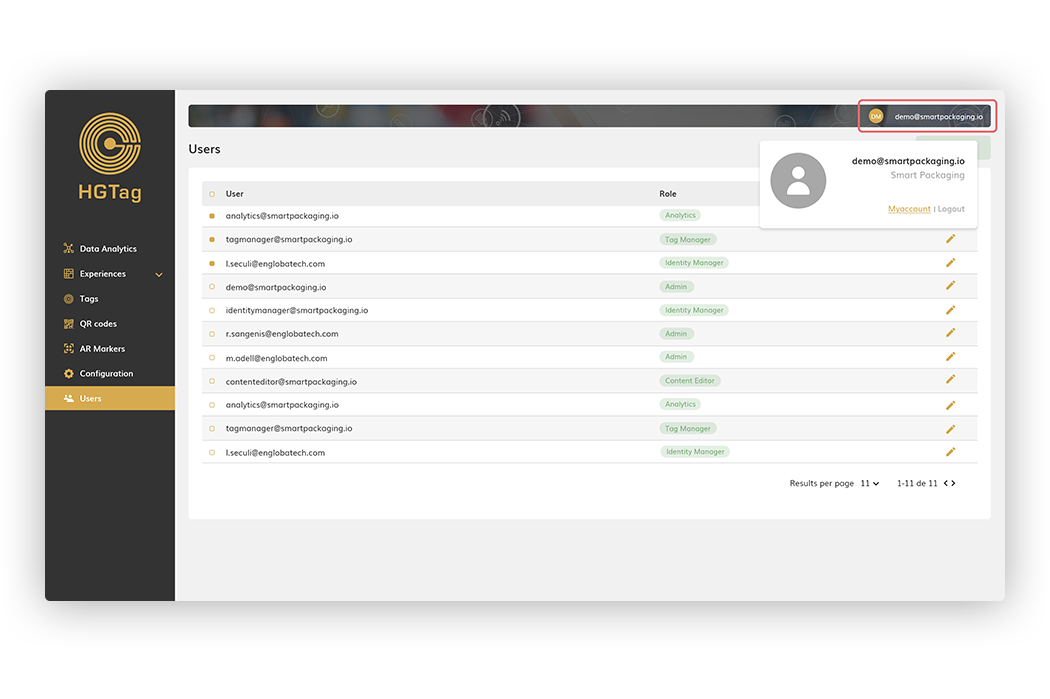
From here, you can add/remove/modify the image, clicking on it or change the password using the Change Password button
How can we help?
If you have more questions you can access the different Tutorials available in this help, the Documentation or our FAQS.