
If you still do not have a user to access, contact us through the following link.
If you already have a user you can access the platform and perform the following steps:
Getting started
Thank you for subscribing to the HGTAG platform.
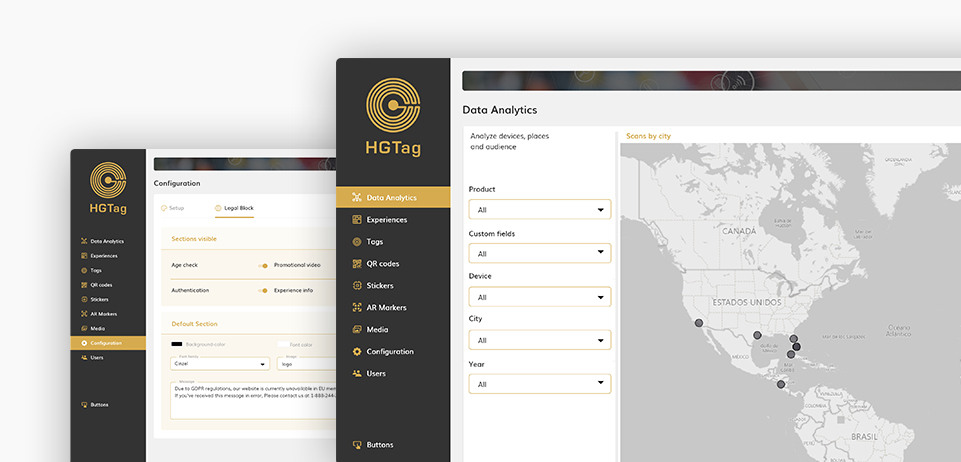

An overview of how to begin with the HGTag platform
1 Configure with your Brand
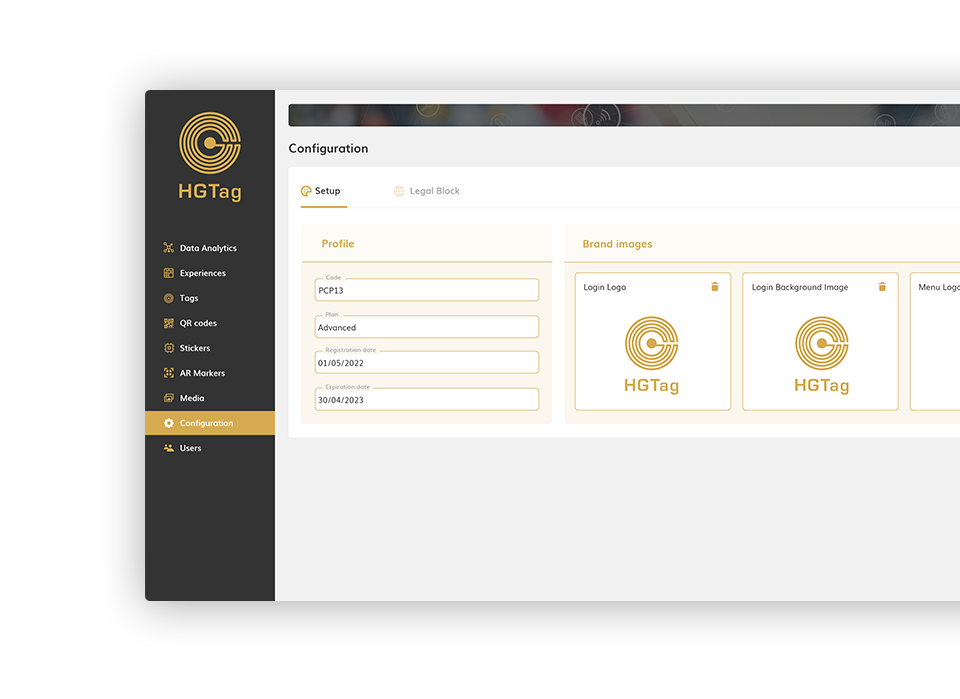
Access the Settings section, in the Setup tab you will see the subscription data and you can select the images / logos for the home and the left side menu. If you are going to have Experiences that will not be visible according to the geographical location of the consumer, complete the data in the Legal Block tab.
You can find more information about this in the Section Configuration the documentation.
2 Create your Users & Roles
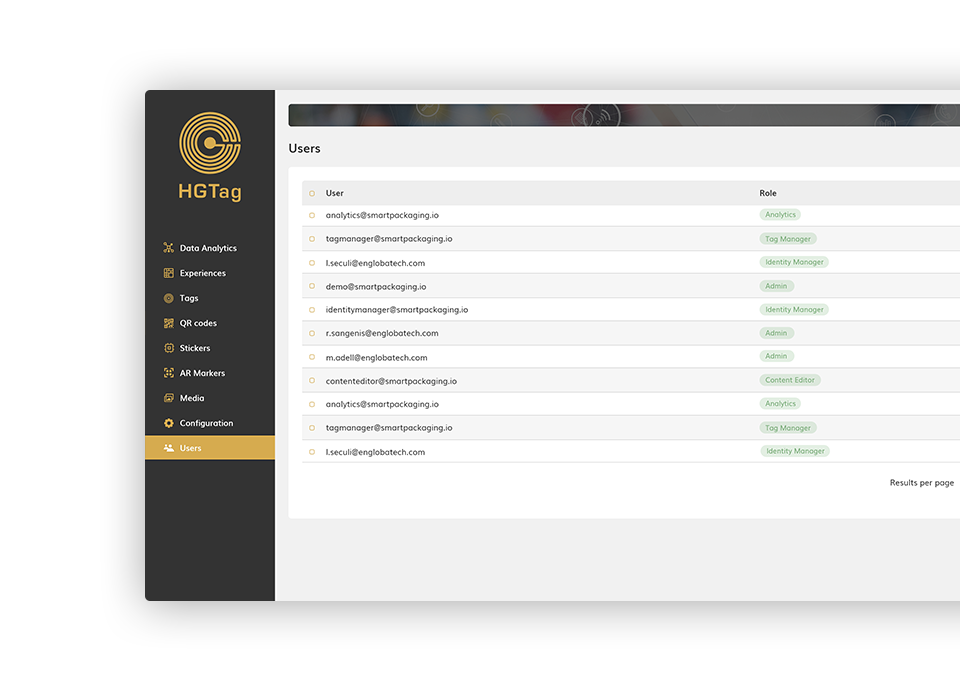
Access the Users section and add the necessary users for each person who will work with the application and their corresponding roles.
You can find more information about this in the Users section of the documentation.
3 Upload your images
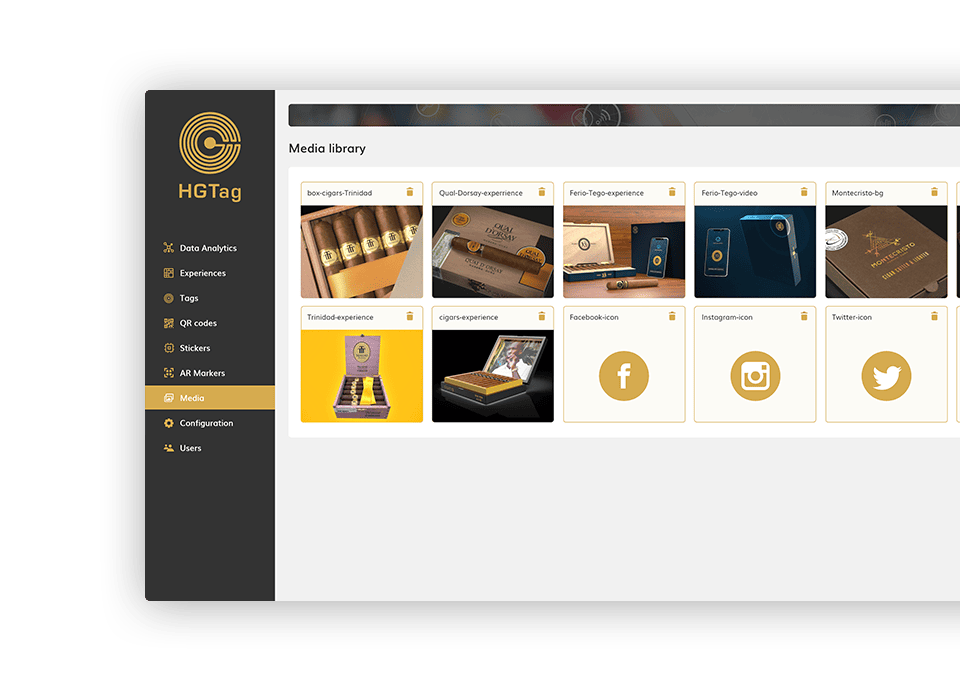
In the Media Library you can upload images to the platform that you can then use when designing your experiences.
Find out how the Media Library works in the corresponding section of the documentation.
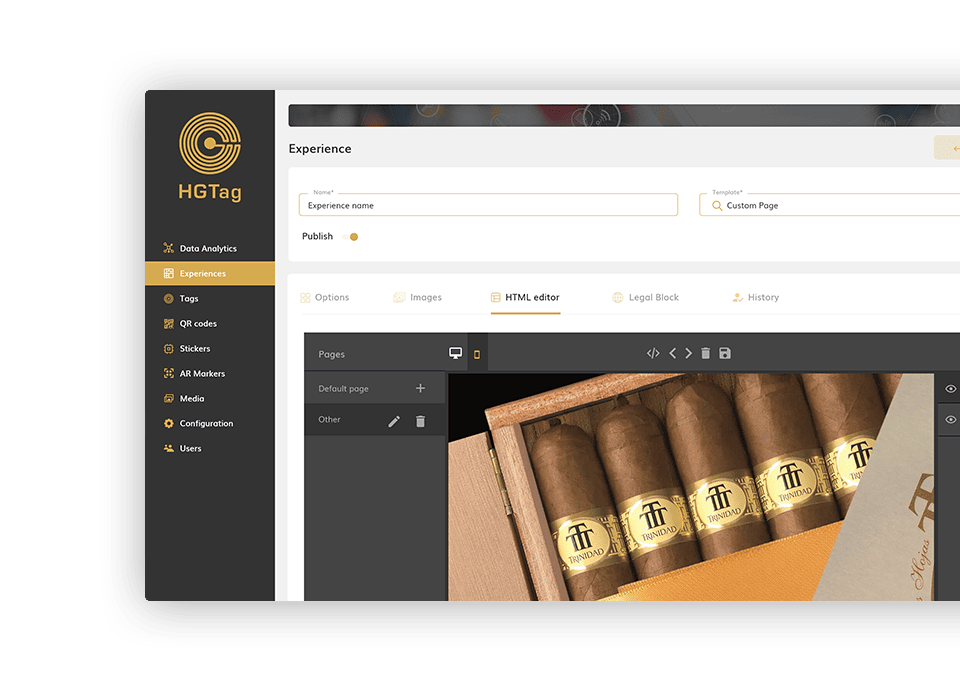
4 Design your first Experience
You are now in a position to design your first experience by accessing the corresponding section of the left side menu.
To see all the details of how to create an experience, access the Experiences section of the documentation.
5 Want to try your experience?
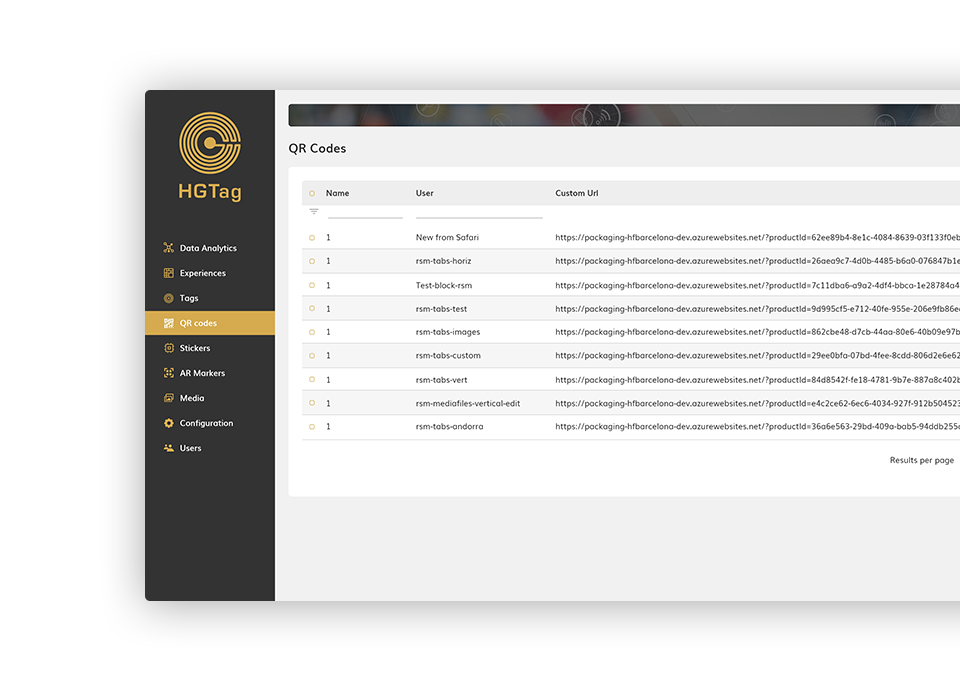
Want to try your experience? The appropriate thing is to do it before publishing it and using a QR code, although later it will work on NFC tags. Access the corresponding section of the left side menu and create a QR linked to your experience.
You can get more details in the QR Codes section of the documentation.
How can we help?
If you have more questions you can access the different Tutorials available in this help, the Documentation or our FAQS.